
WeDual Duo
Native workspace manager for macOS
A separate space for every side of your Mac.
Organize apps, app clones, and websites into focused workspaces, then launch the right setup in one action.
Requires macOS 13.5 or later. Website clones require macOS 14 or later.
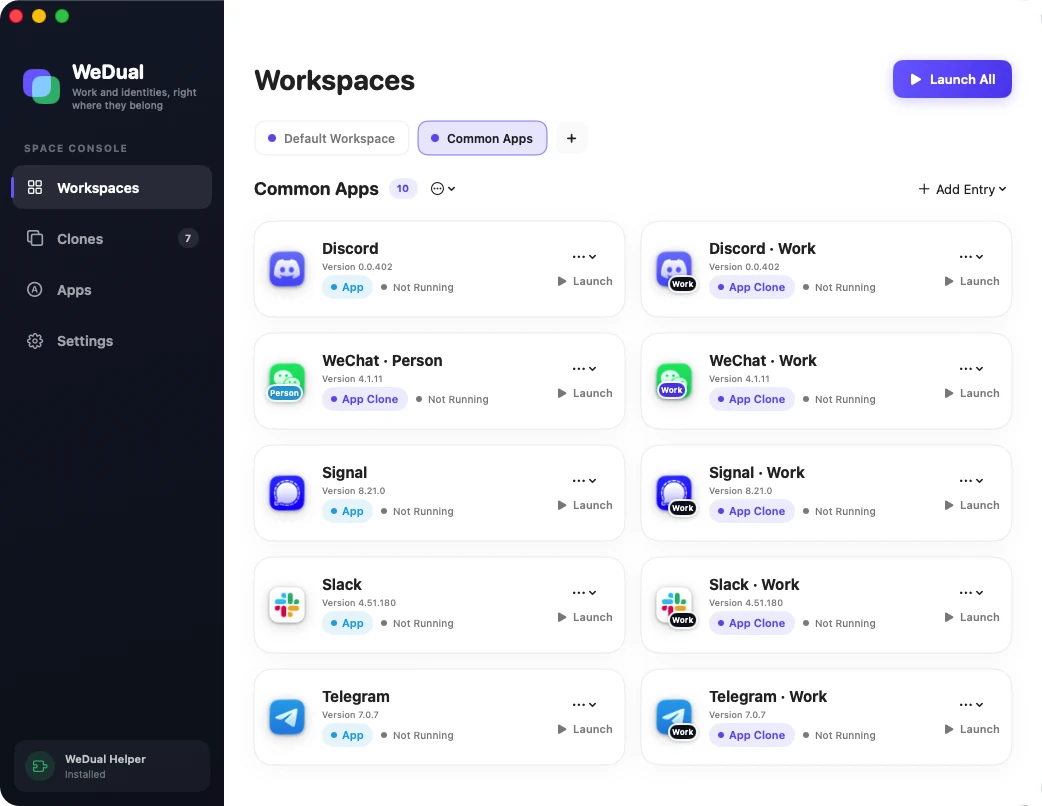
Workspaces
Start with the context, not the app list.
Bring original apps, app clones, website shortcuts, and website clones together around work, personal life, study, or a project.
One-action launch
Open a single item or launch the whole workspace together.
Shared clone profiles
Use the same clone in more than one workspace without duplicating it.
Menu bar access
Reach your spaces and frequent items without opening the main window.
App clones
Give each account its own visible identity.
Create and manage separate copies of supported apps for different accounts, roles, and routines.
Easy to recognize
Customize the clone name, badge, and icon for its purpose.
Managed lifecycle
Launch, rename, update, inspect, or remove an existing clone.
Compatibility stays honest
App structures vary, so WeDual Duo checks a supported app before creation.
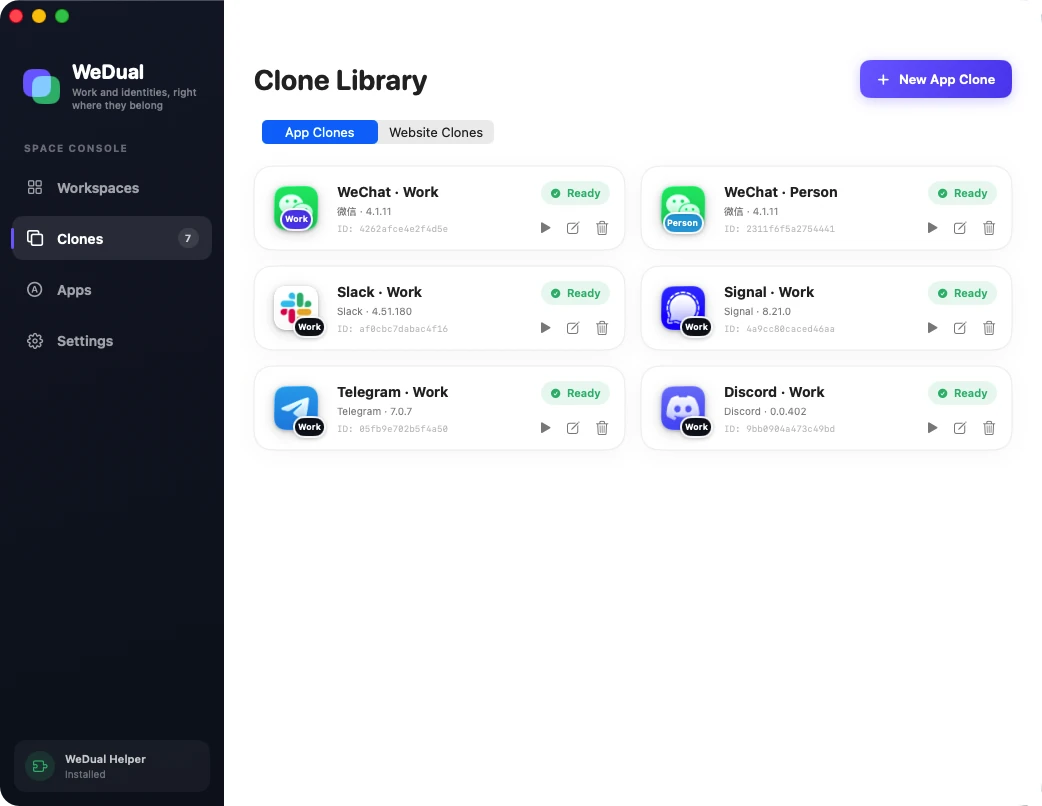
Website clones
Keep website sign-ins in separate local spaces.
On macOS 14 or later, each website clone uses its own browser data store for cookies, sessions, and site data.
Independent sessions
Keep work and personal sign-ins separate for the same website.
A familiar browser surface
Use tabs, navigation, uploads, downloads, and external app handoff.
Ordinary links stay ordinary
Regular website shortcuts still open in your chosen or default browser.
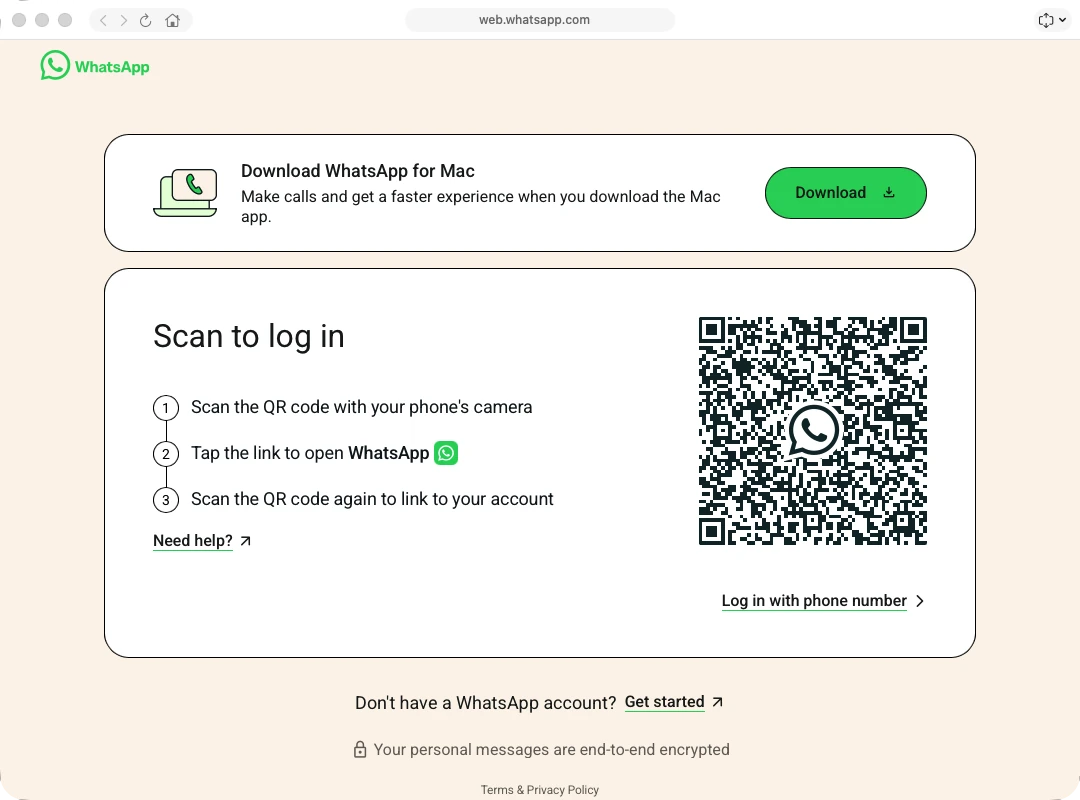
App list and uninstall
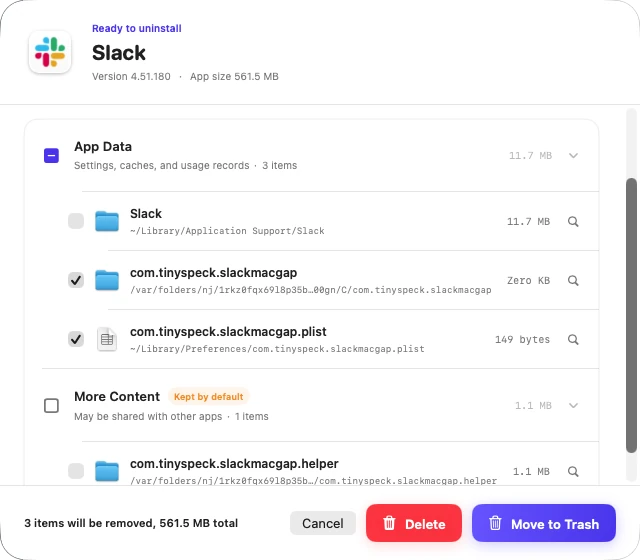
Review what will be removed before anything moves.
Inspect a user-installed app and optional related data, choose the items, then move them to the Trash or delete them permanently.
Plan before action
WeDual Duo shows the app and discovered related items before removal.
Your selection
Optional related data is only included when you select it.
Two removal modes
Use the recoverable Trash flow or explicitly choose permanent deletion.
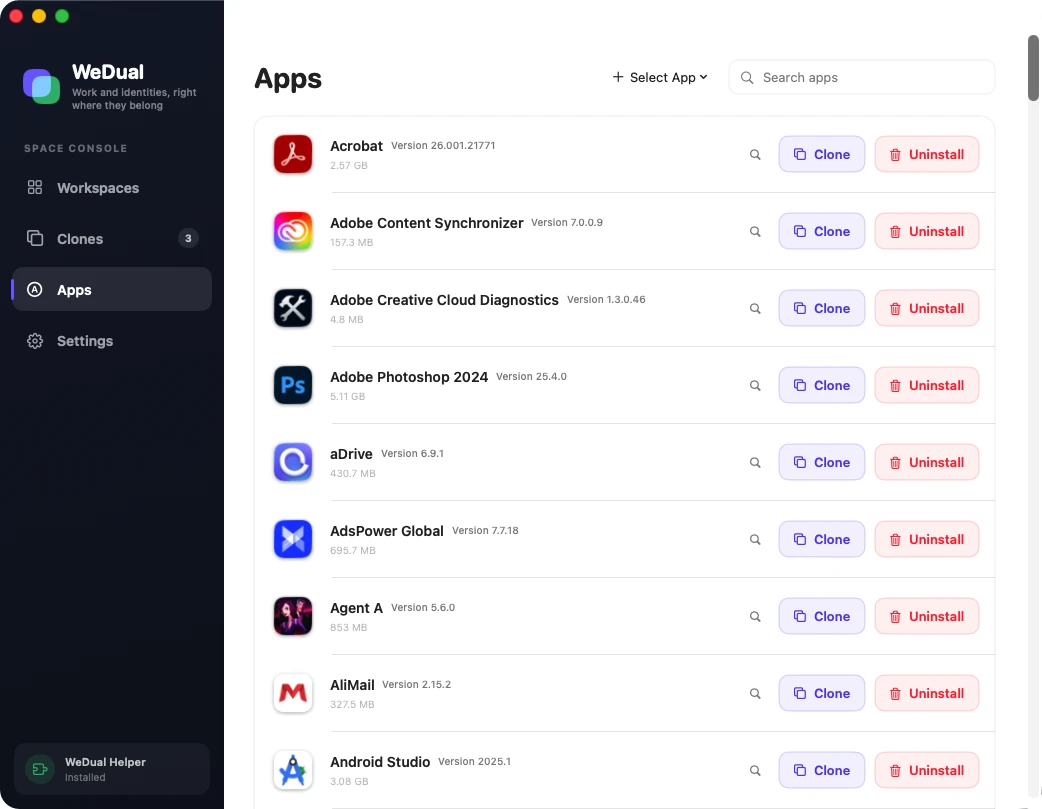
Clear local boundaries
Your workspace stays on your Mac.
WeDual Duo is designed around local organization and explicit user actions.
Local by default
Workspaces, clone profiles, and app settings are stored locally on your Mac.
Optional local component
App cloning and uninstall require a component you install explicitly. Core workspace and website features remain available without it.
No ads or account required
WeDual Duo has no ads and requires no separate account; it uses only anonymous product analytics to improve the experience.
FAQ
Know the boundaries before you begin.
The important details about compatibility, local data, and system requirements.
Can WeDual Duo clone every Mac app?
No. App structures and security policies differ. WeDual Duo checks a selected app before creation and explains when it is not suitable.
Do I have to install the local component?
Only for app cloning and app uninstall. Workspaces, original apps, regular website shortcuts, and website clones remain available without it.
What is separate in a website clone?
Each website clone uses a separate local browser data store for cookies, sign-in sessions, and site data. Website clones require macOS 14 or later.
Where does WeDual Duo keep its data?
Workspace records, clone profiles, settings, and website clone browser data are stored locally on your Mac by default.
Which macOS version is required?
WeDual Duo requires macOS 13.5 or later. Website clones require macOS 14 Sonoma or later.
WeDual Duo for Mac
Build the workspace that matches the moment.
Organize the apps, identities, and websites you use together, then bring the entire setup back with one action.